Extract text from screenshots, photos, screen areas, and any image on the web — private and offline. Your images never leave your device.
Available on the Chrome Web Store · Chrome / Chromium, Manifest V3.
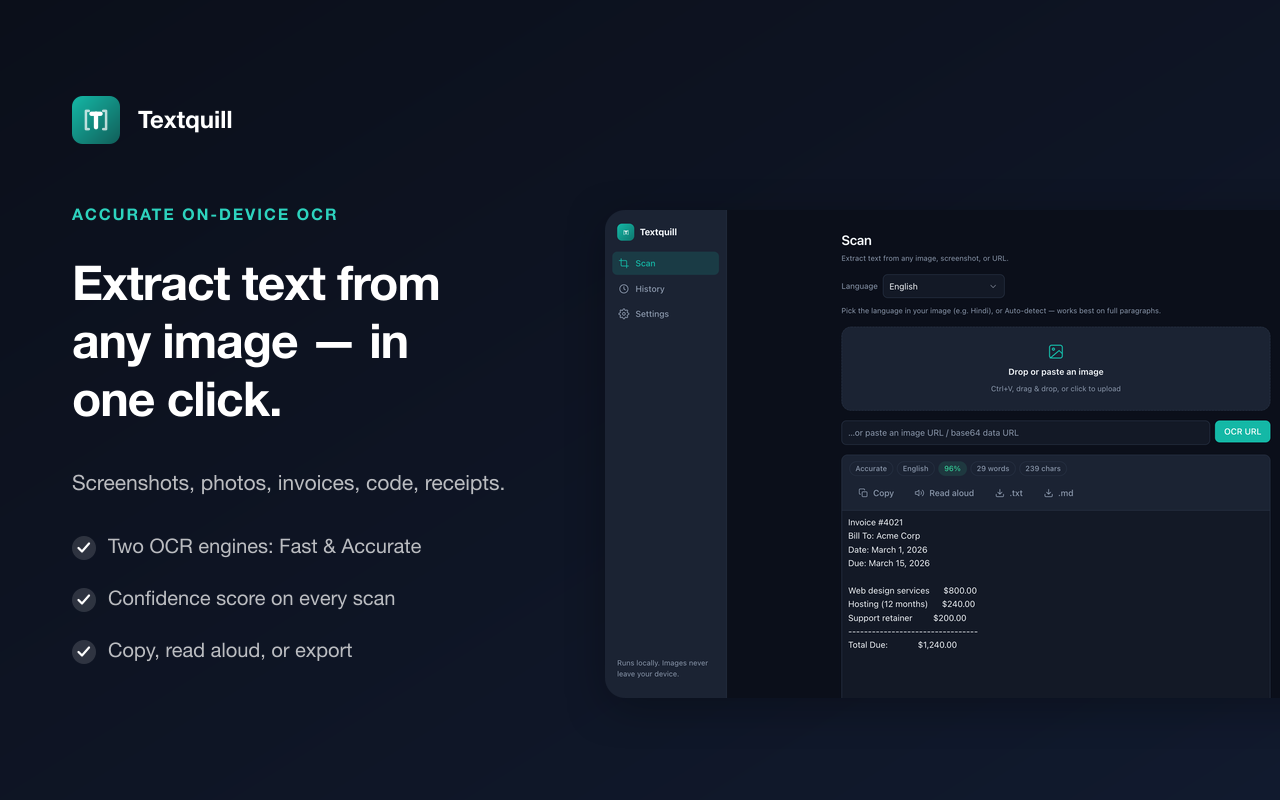
Fast, accurate on-device recognition with the tools to capture, read, and export it.
Extract text from any picture on the web with a single context-menu click.
Proofread any text with one-click fixes — runs offline, right in your browser.
Pull the vendor, date and total off a receipt, or turn a card into a contact file.
Drag a box over anything on screen with Alt+Shift+S.
Grab the visible tab or a full scrolling-page screenshot in one action.
English plus 15 more, including Chinese, Hindi, Nepali, Japanese, and Arabic.
Decode QR codes and barcodes found in any image, right alongside the text.
Listen to any extracted text with built-in text-to-speech.
Turn extracted text into another language — fully offline, no cloud or API keys.
Adjust brightness and contrast, rotate, or flatten a page shot at an angle — then scan again.
Every result is saved locally, so you can search and revisit past scans.
Copy as plain, rich, or Markdown text — or export TXT, Word, CSV, and searchable PDF.
Two quality modes — Fast and Accurate — with Auto picking the right one for each image.
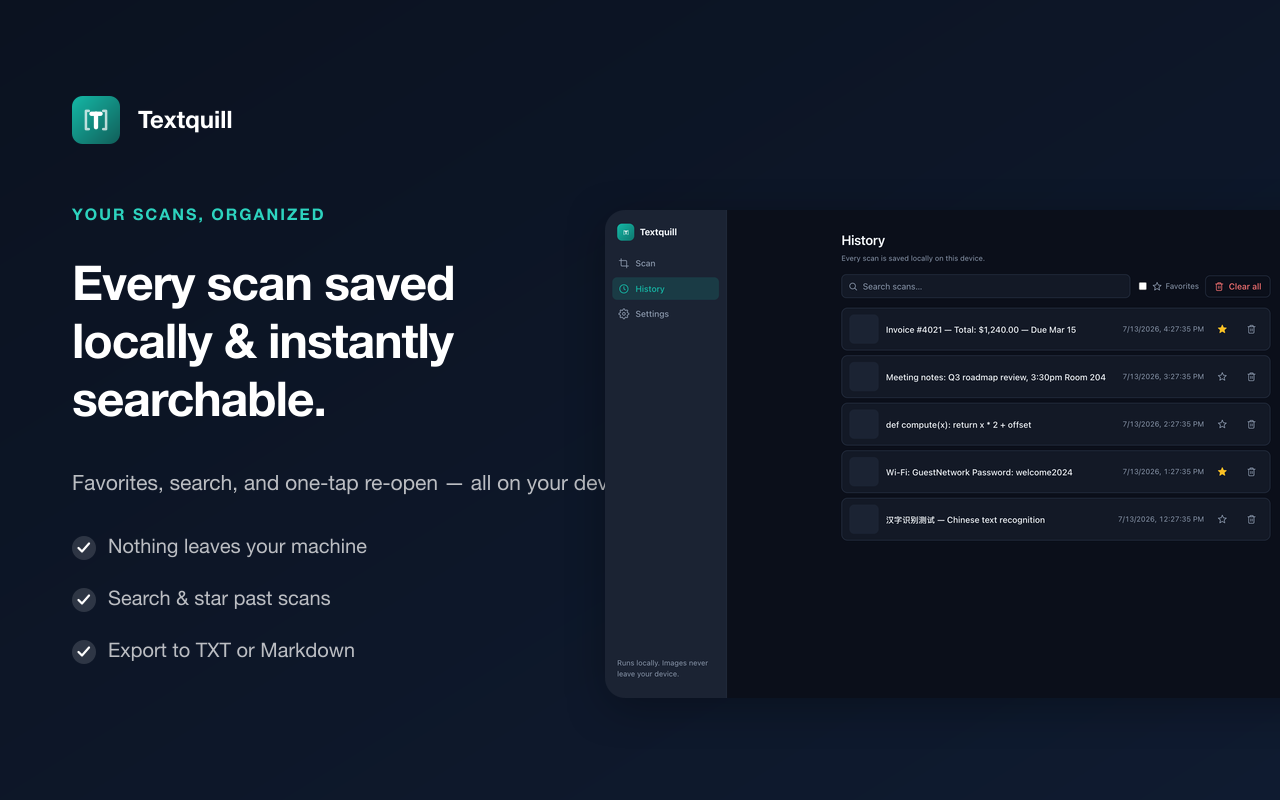
Every extraction is kept in a searchable local history — favorite the ones you need again and pick up right where you left off.
Proofread text you've extracted, or anything you type in a text box on any website, and translate it between languages — all offline, with nothing uploaded.
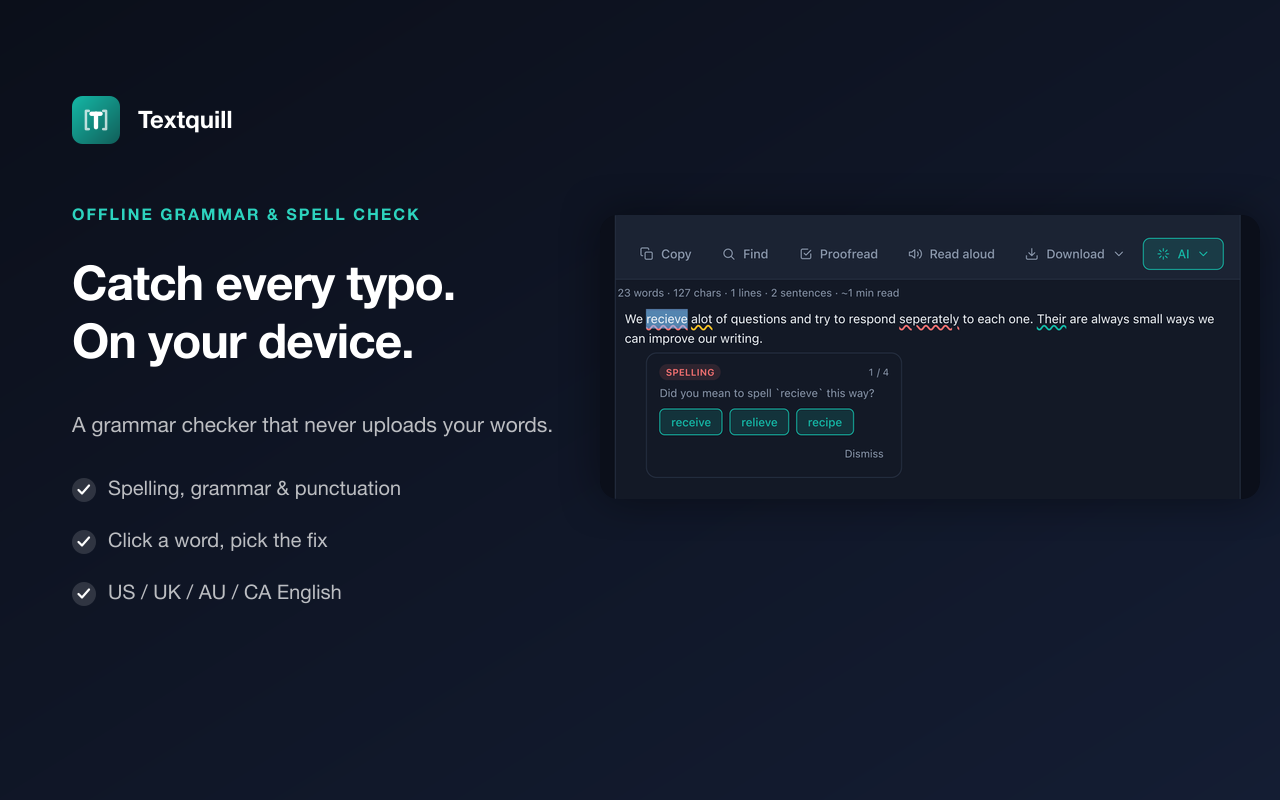
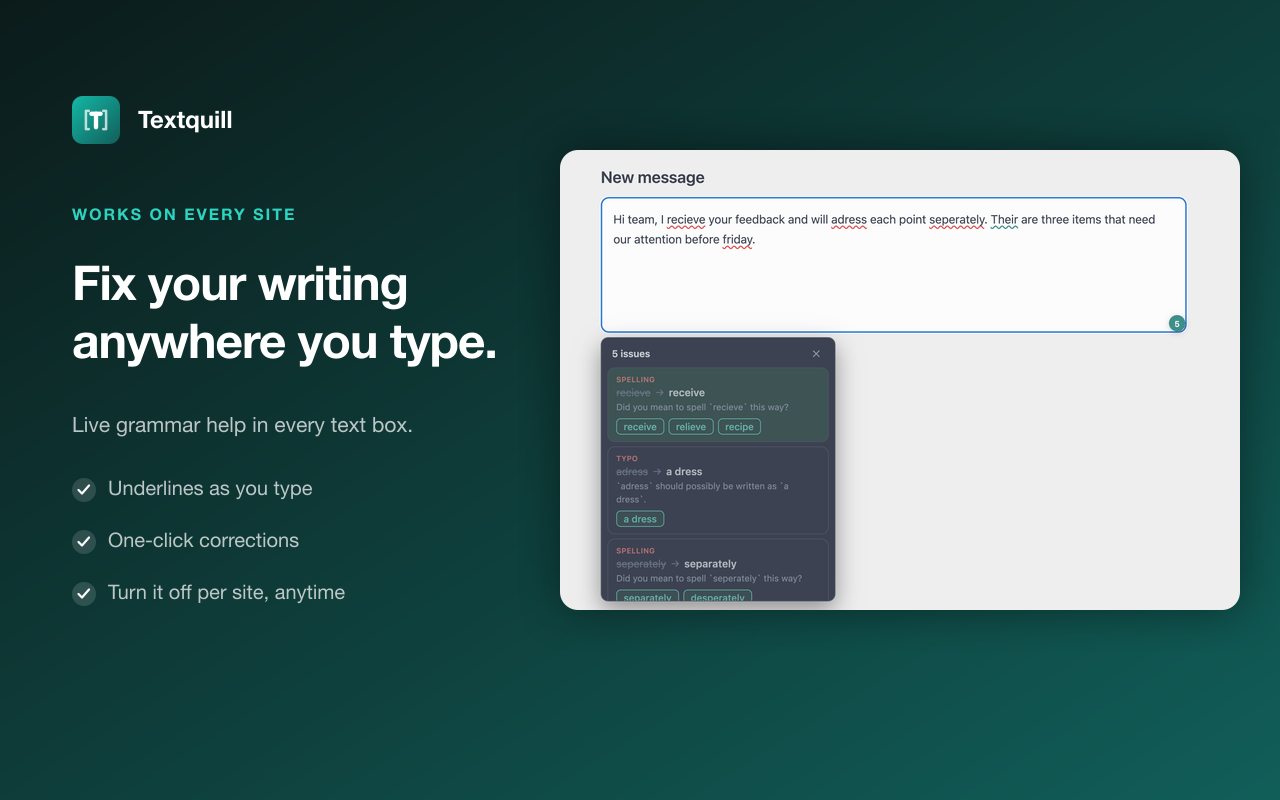
Right-click a picture, drag & drop, paste, or select an area of the screen.
Recognition runs entirely on your device — no upload, no waiting on a server.
Copy the text, proofread it, translate it, have it read aloud, or export to TXT or Markdown.
Prefer a quiet, narration-free version? Watch the cursor demo →
Textquill was built so your images never have to leave your device. There's no account to create and nothing to upload — recognition happens locally, in your own browser.
Read the privacy policy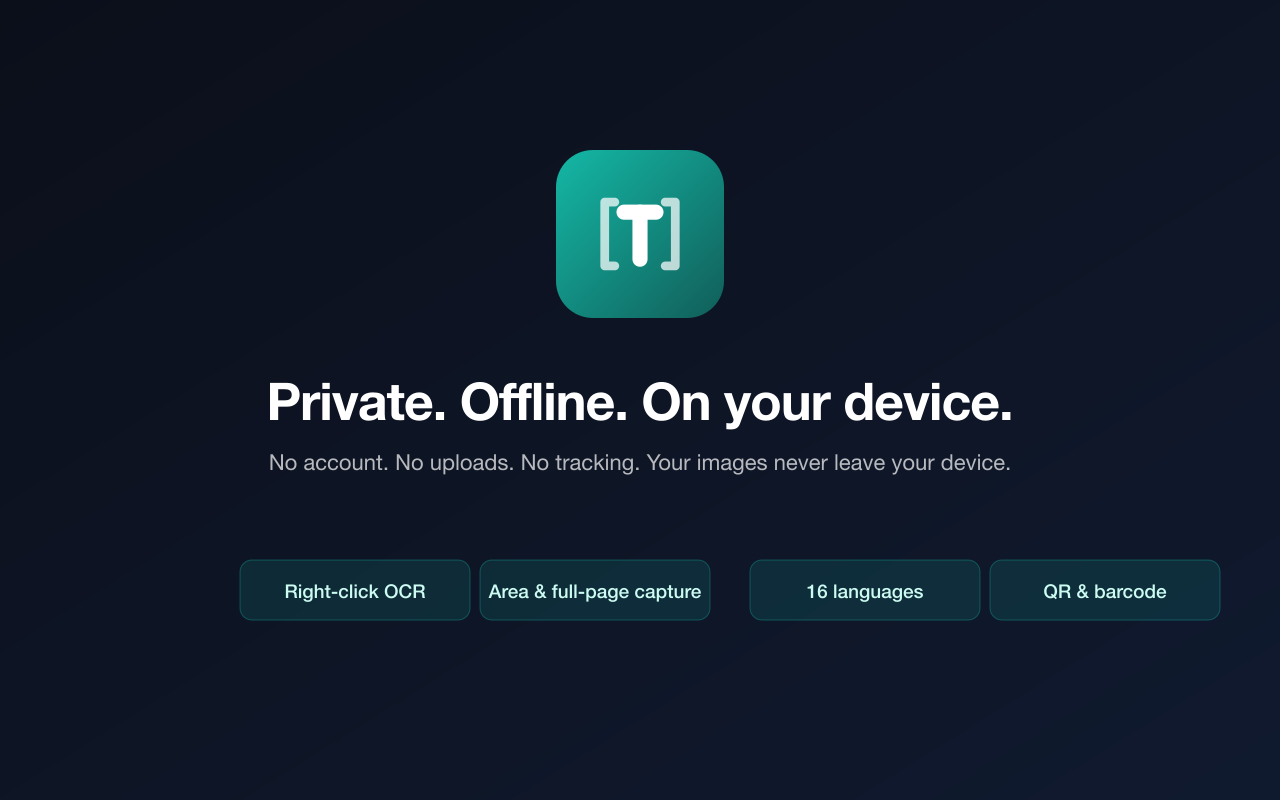
Private by design, and it works offline. Add Textquill to Chrome and start extracting.
Available on the Chrome Web Store.

 Textquill